How to Hardwire Your Home: Ditch Wi-Fi for a Low-EMF Setup
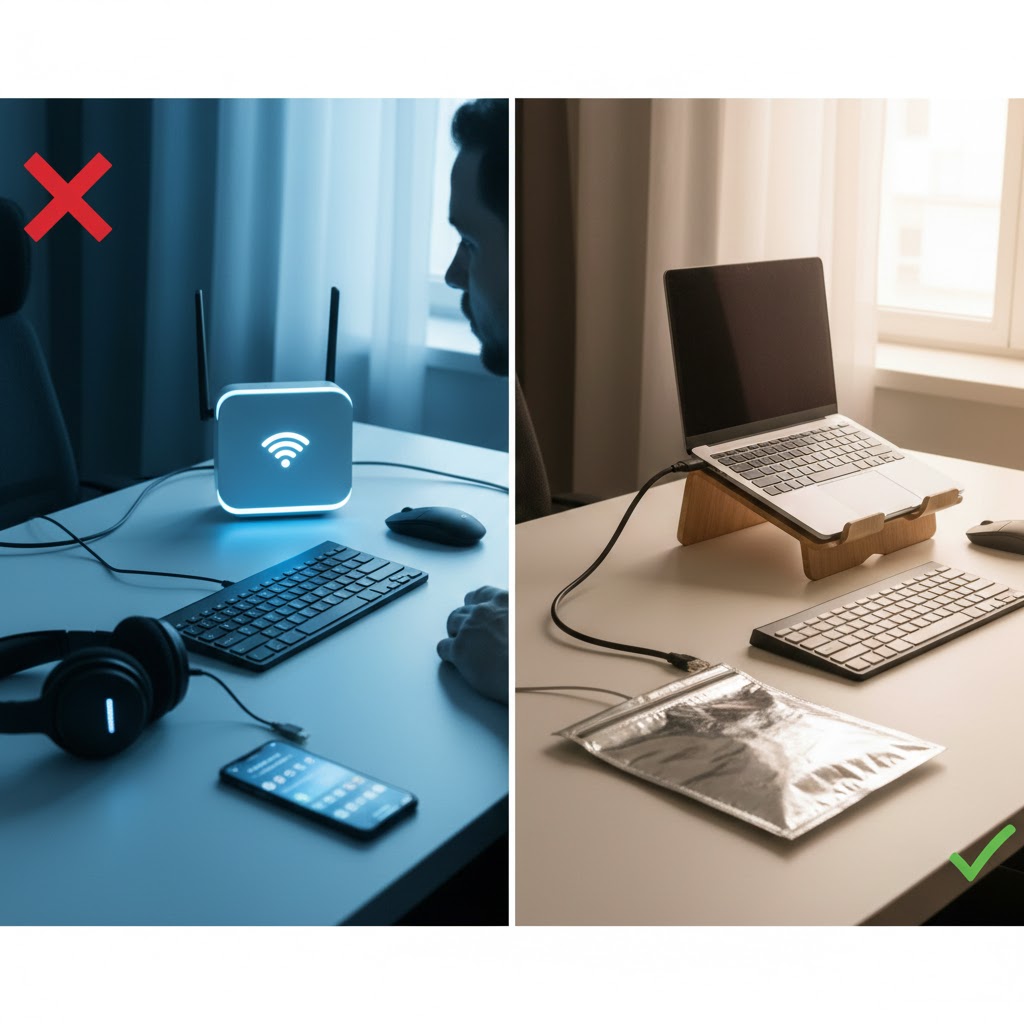
Of all the EMF reduction measures available, hardwiring your home is the most powerful — because instead of blocking or harmonising a wireless source, it removes the source altogether. A wired connection carries your data through a cable rather than broadcasting radiofrequency radiation through every room, and as a bonus it is faster, more stable and more secure than Wi-Fi. This guide shows you exactly how to make the switch, from a simple bedroom setup to a fully wired home, including the phones and tablets most people assume can't be hardwired.
📋 In This Guide
Why Hardwiring Beats Every Other Fix
Shielding reduces wireless radiation; hardwiring eliminates it. When your router's Wi-Fi is off and your devices are wired, there is simply no RF being broadcast from your equipment for you to be exposed to. That is why building-biology assessments almost always recommend it as the foundation of a low-EMF home. The other benefits are the reason even non-EMF households are switching back to cable:
📶 Can't Go Fully Wired Yet?
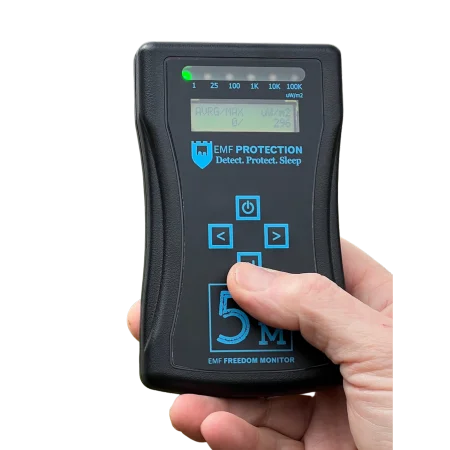
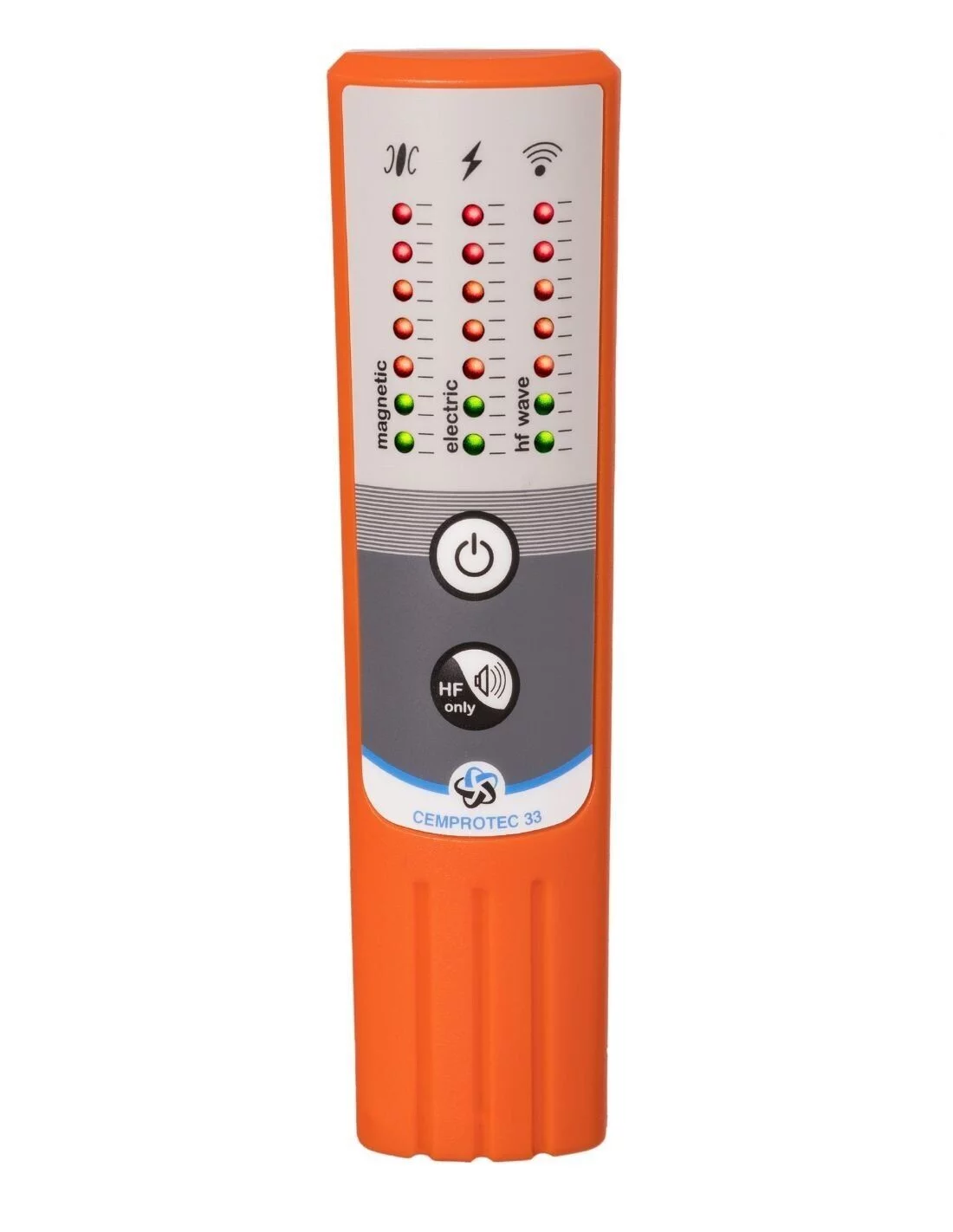
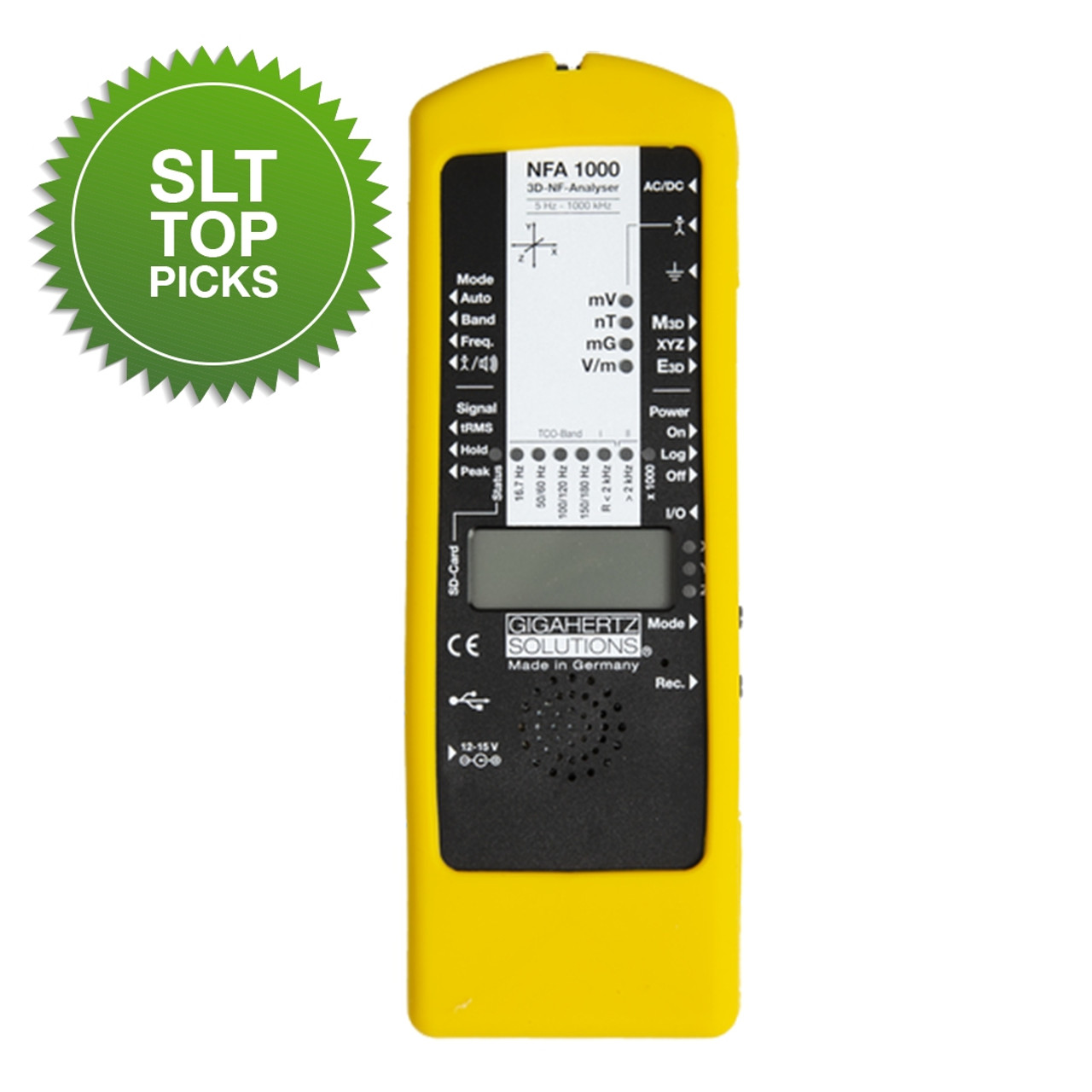
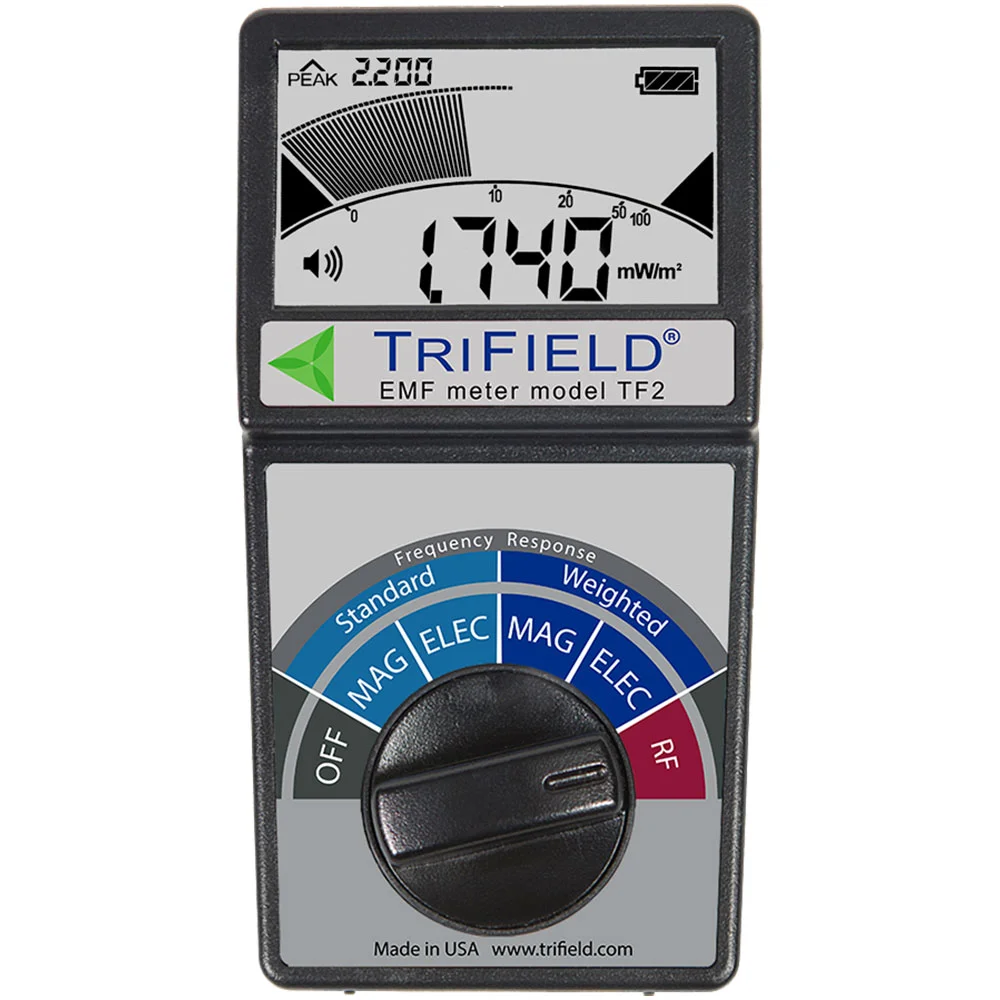
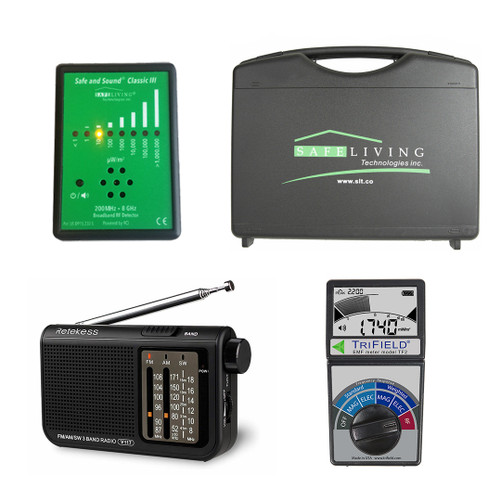
Router Guards & RF Meters
A router guard cuts Wi-Fi output while you transition — and a meter confirms your progress.
What You'll Need
- Ethernet cables (Cat6 recommended) in the lengths you need — flat cables are handy for running under carpet or along skirting.
- An ethernet switch if you need to wire more devices than your router has ports.
- USB / USB-C / Lightning to ethernet adapters for laptops, phones and tablets without a network port.
- A router that lets you disable the Wi-Fi radios (most do) — or a router guard if yours doesn't.
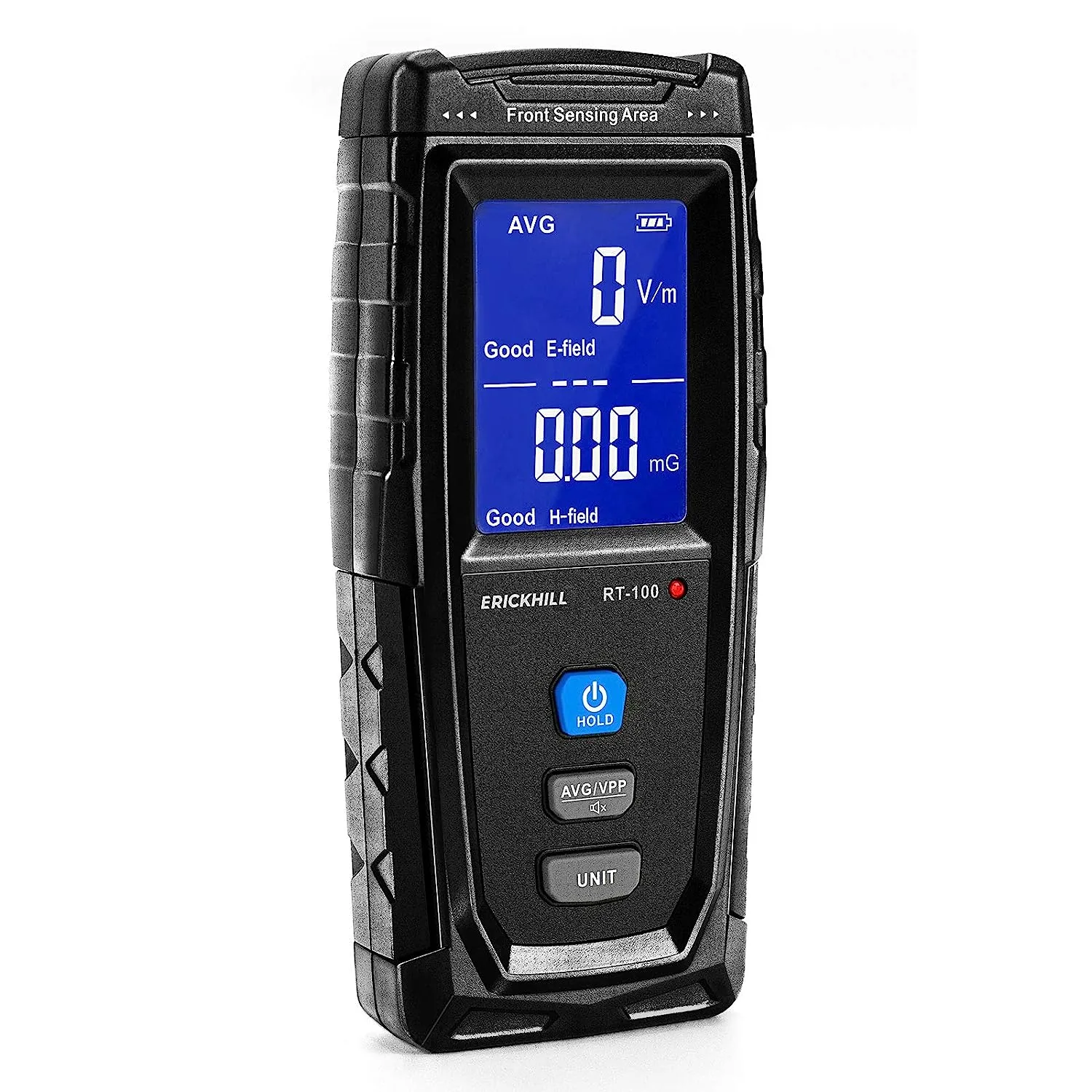
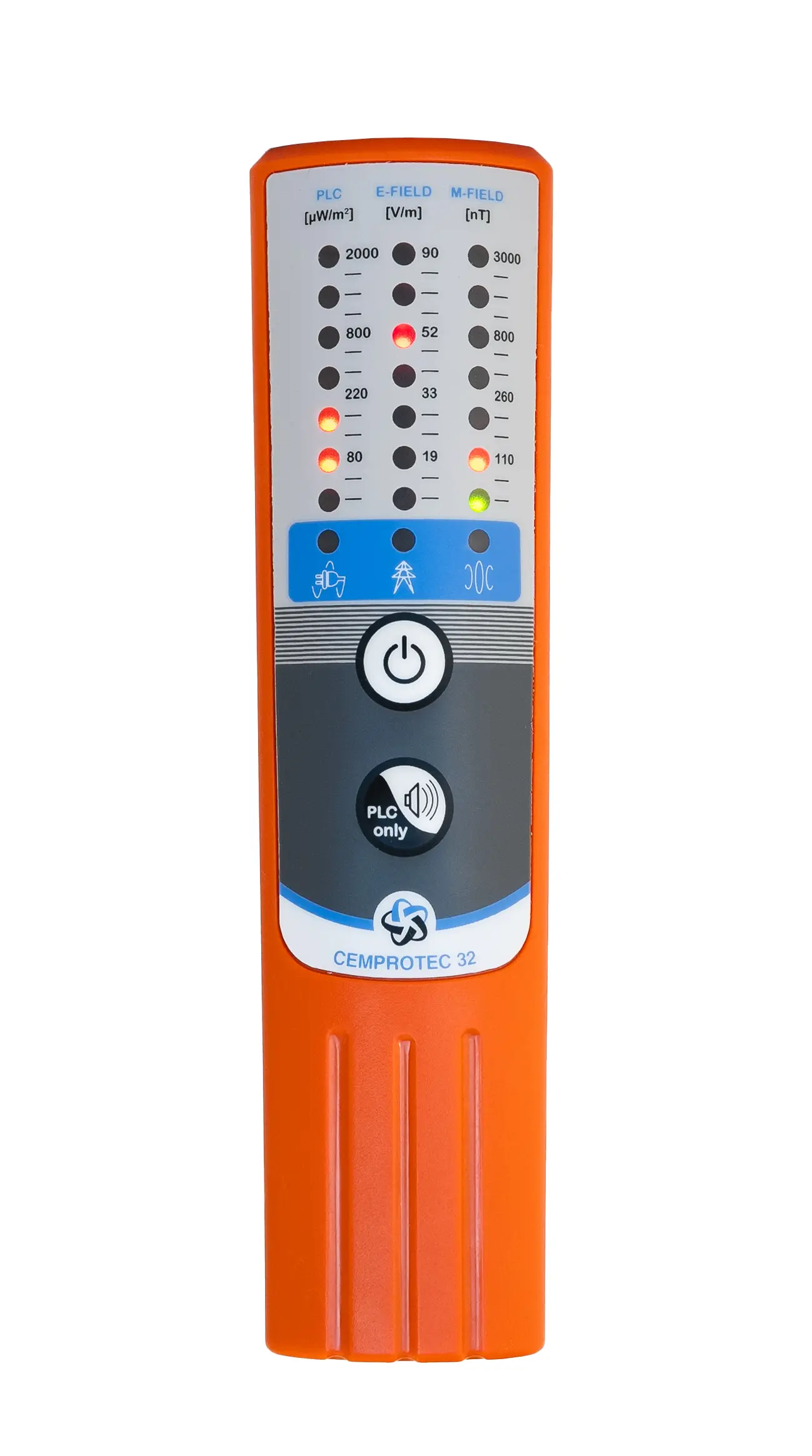
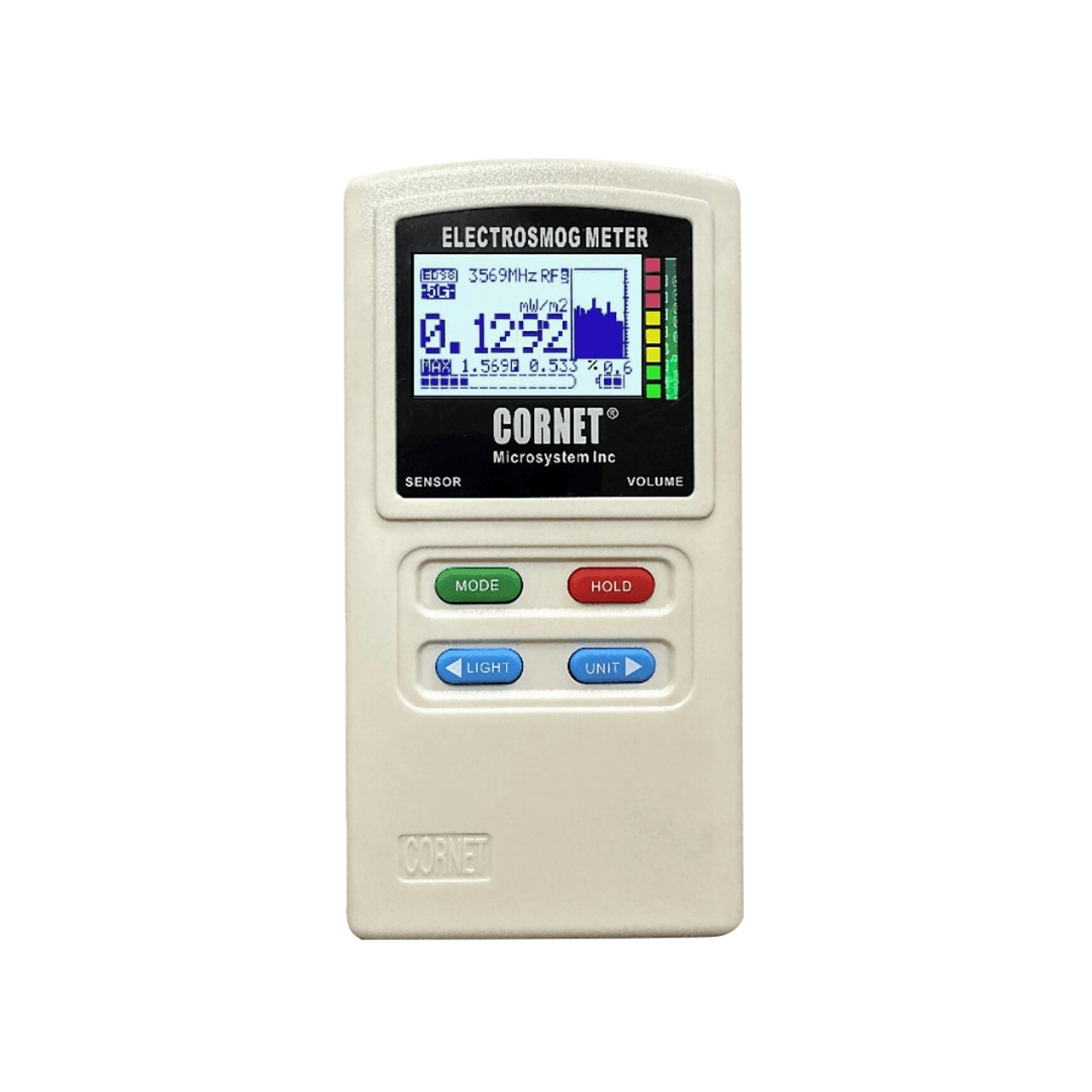
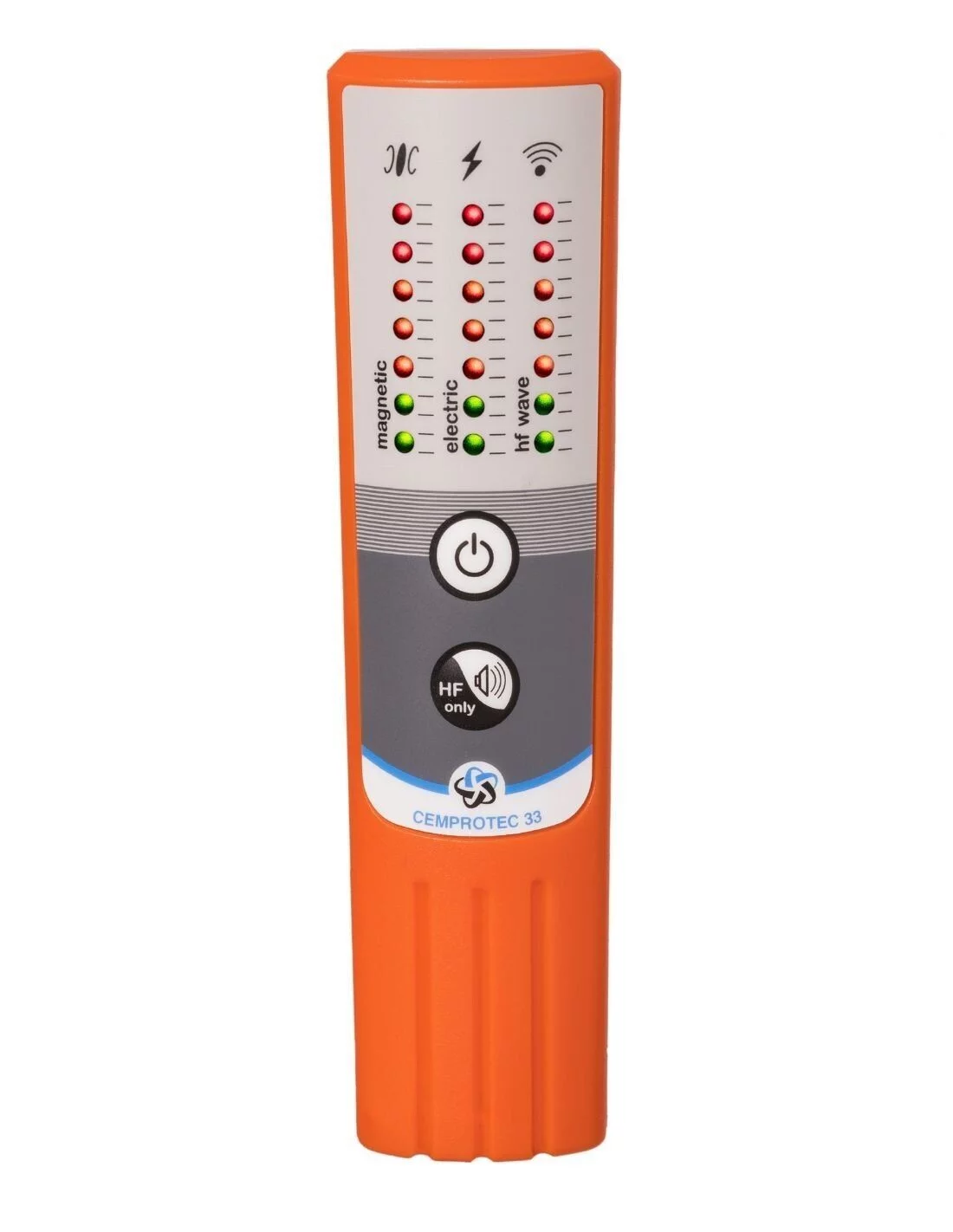
- An RF meter to verify the wireless is actually off afterwards.
How to Hardwire — Step by Step
Start With the Rooms That Matter Most
Prioritise the bedroom and the desk where you work — the places you spend the most hours. You don't have to wire the whole house at once; begin where the exposure-hours are highest.
🛏️ Bedroom firstRun a Cable From Router to Device
Connect an ethernet cable from a spare port on your router to your computer, TV or console. Route it along skirting boards or under carpet edges. For a neat job later, a data installer can put cables inside the walls.
💰 Low costAdd a Switch for Multiple Devices
If a room has several wired devices, run one cable to a small ethernet switch in that room and connect everything locally. One cable in, many devices served.
🔌 ExpandableWire Your Laptop
Use a USB-C or USB-A to ethernet adapter, plug in, then turn the laptop's Wi-Fi off in settings. Confirm you're online through the cable before disabling wireless.
💻 SimpleVerify With a Meter
Once wired, use an RF meter to confirm the drop. This step matters — it proves the wireless is genuinely off, not just apparently off. See our meter guide.
📏 Confirm itHardwiring Phones & Tablets
Most people assume a phone must be wireless — but it doesn't have to be. With a Lightning-to-ethernet or USB-C-to-ethernet adapter, you can connect a phone or tablet by cable, then switch it to airplane mode so it stops transmitting entirely while still having full internet. This is ideal for children's tablets and bedside phones, turning the highest personal-exposure device into a wired, silent one.
The Bedside Win
A phone in airplane mode, wired via ethernet and charged across the room, gives you alarms, apps and internet with essentially zero RF at your head all night. Combine it with the steps in our bedroom EMF guide for the lowest-EMF sleep environment possible.
Turning Off Wi-Fi Safely
Once your key devices are wired, disable the wireless at the source:
- In the router settings — log in to your router and switch off the 2.4 GHz and 5 GHz radios. This is the cleanest method.
- With a router guard — if you can't disable the radios (or share the router with others who want Wi-Fi at times), a mesh router guard cuts output substantially.
- On a timer — at minimum, put the router on a plug timer so Wi-Fi switches off overnight.
Don't Forget the Hidden Transmitters
Smart TVs, printers, speakers, and some appliances keep their own Wi-Fi/Bluetooth on even after you wire them. Once hardwired, disable each device's wireless in its settings, and re-check with your meter — otherwise a forgotten smart speaker keeps broadcasting.
📶 Go Wired, Go Low-EMF
Router Guards, Meters & More
Everything you need to reduce Wi-Fi exposure and verify the result.
Shop at emf-protection.co.uk →Affiliate disclosure: We earn a small commission on purchases via this link — at no extra cost to you.
Frequently Asked Questions
Is hardwired internet better than Wi-Fi for EMF?
Yes — a cable carries data instead of broadcasting RF through the air, removing the wireless source entirely. It's also faster and more stable. Turn off the router's Wi-Fi radios to complete the reduction.
Can I hardwire a phone or tablet?
Yes. Use a Lightning or USB-C to ethernet adapter, connect the cable, and switch the device to airplane mode so it stays online but stops transmitting.
Do I need an electrician?
Not for a basic setup — cables can run along skirting or under carpet. For in-wall cabling and wall sockets, a data installer gives a tidy permanent result.
Will turning off Wi-Fi slow my internet?
No — wired ethernet is typically faster and more reliable. You only give up wireless roaming, which many happily trade for speed and lower EMF.