Starlink & Satellite 5G: A New Layer of EMF Exposure?
A decade ago, wireless signals came from things you could point to: the phone in your hand, the router on the shelf, the mast down the road. Today, tens of thousands of low-earth-orbit satellites — led by SpaceX's Starlink — beam internet down to dishes on rooftops worldwide, and "direct-to-cell" satellite services aim to connect ordinary phones from space. It is a remarkable technology that brings connectivity to remote places. But it also raises a fair question for anyone mindful of EMF: does blanketing the planet in satellite signals add a new layer of exposure, and what does having a Starlink dish on your own home actually mean? Here is a grounded look.
📋 In This Article
How Satellite Internet & Satellite 5G Work
Traditional satellite internet used a few distant satellites in high orbit. The new model, pioneered by Starlink, uses constellations of thousands of satellites in low earth orbit (around 550 km up), passing overhead constantly. Your dish locks onto whichever satellites are in view and hands off between them as they move. "Direct-to-cell" satellite 5G goes a step further, aiming to connect standard mobile phones to satellites where there is no ground coverage. All of it works by radiofrequency — the same physics as any other wireless link, just with one end in space.
📡 Know Your Numbers
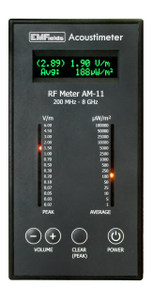
5G & RF Meters
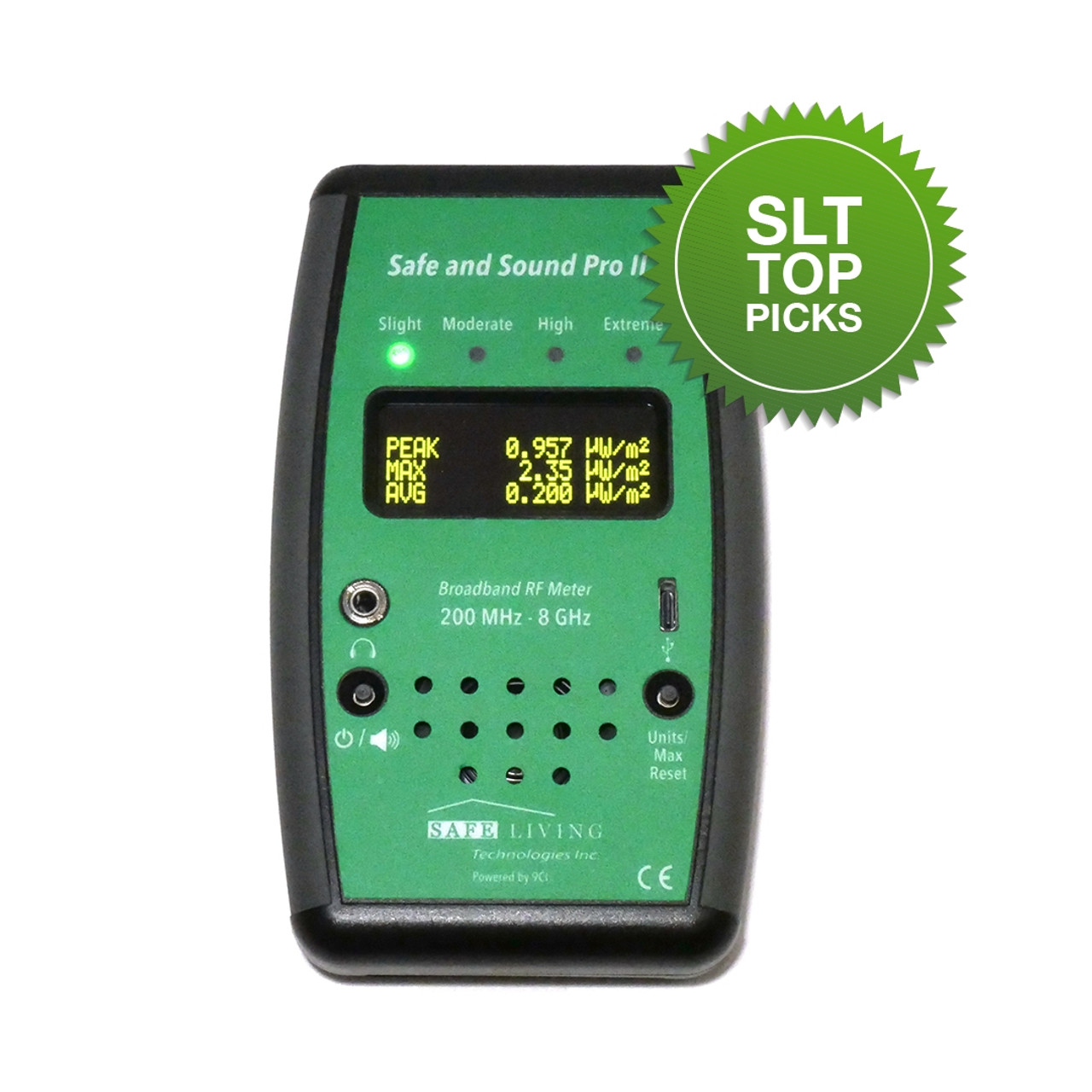
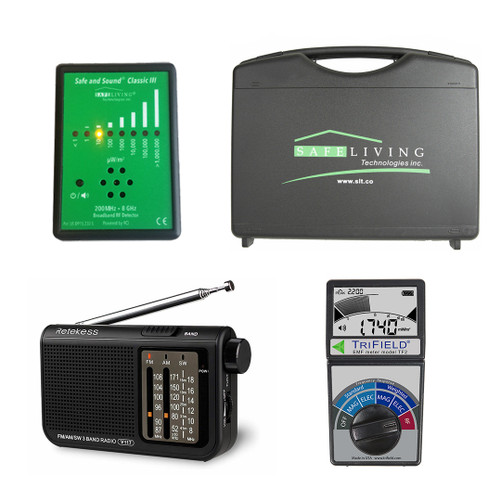
Measure the RF from your dish and router so you can position and shield with confidence.
Does the Starlink Dish Emit EMF?
Yes — and this is the part that actually matters for you, because it is on your property. A Starlink dish is a two-way phased-array transceiver: it both receives from and transmits to the satellites, electronically steering a focused beam skyward. That means it emits radiofrequency radiation, strongest directly in front of (above) the dish face where the beam forms. The manufacturer advises keeping a clear zone around and in front of the dish. The practical implications:
- The beam points up at the sky, so a roof or mast mount keeps the strongest emissions away from people.
- Standing or sitting directly in front of the dish face is the scenario to avoid.
- The dish connects to a Wi-Fi router indoors — and that router, right there in your living space, typically contributes far more to your daily exposure than the dish outside.
The Bigger Picture: Ambient Satellite Signals
What about the constellations themselves — does having thousands of transmitting satellites overhead raise ground-level EMF? For an individual on the ground, the signal reaching you from a satellite 550 km away is extraordinarily weak by the time it arrives compared with the device on your desk. The more meaningful concern many researchers raise is cumulative and environmental: for the first time there is essentially nowhere on Earth — no remote valley or ocean — free of man-made RF. Our features on EMF and ecological dead zones and effects on pollinators explore that wider dimension.
Keeping It in Perspective
Focus on What's Closest to You
EMF exposure is dominated by proximity. The distant satellite matters far less than the router in your bedroom or the phone in your pocket. If you have Starlink, the highest-value actions are the same as for any home network: position the equipment well, hardwire indoors, and turn off unnecessary Wi-Fi. Don't let worry about satellites distract from the sources within arm's reach that you can actually control.
How to Reduce Your Exposure
Mount the Dish Away From People
Put it on the roof or a mast, with its skyward beam clear of where anyone sits or sleeps. Never install it inside an occupied room, and keep distance from the front face.
Hardwire Indoors & Disable the Router's Wi-Fi
Connect your devices to the Starlink router by ethernet and switch its Wi-Fi off — this removes your biggest indoor source. See our hardwiring guide.
Use a Router Guard if You Keep Wi-Fi
If some devices must stay wireless, a router guard cuts the output while retaining a usable signal.
Measure With an RF / 5G Meter
Confirm the dish and router readings around your home so you can position and shield based on real numbers, not guesswork. See our meter guide.
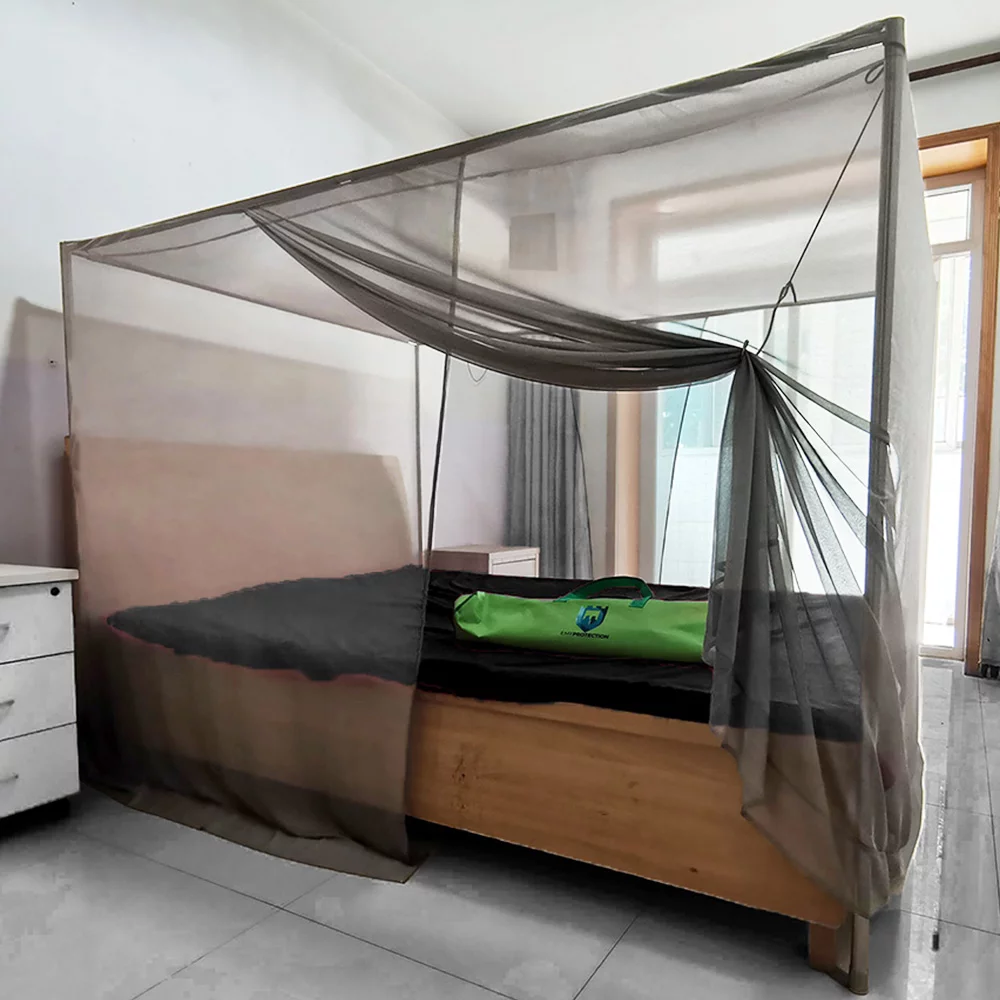
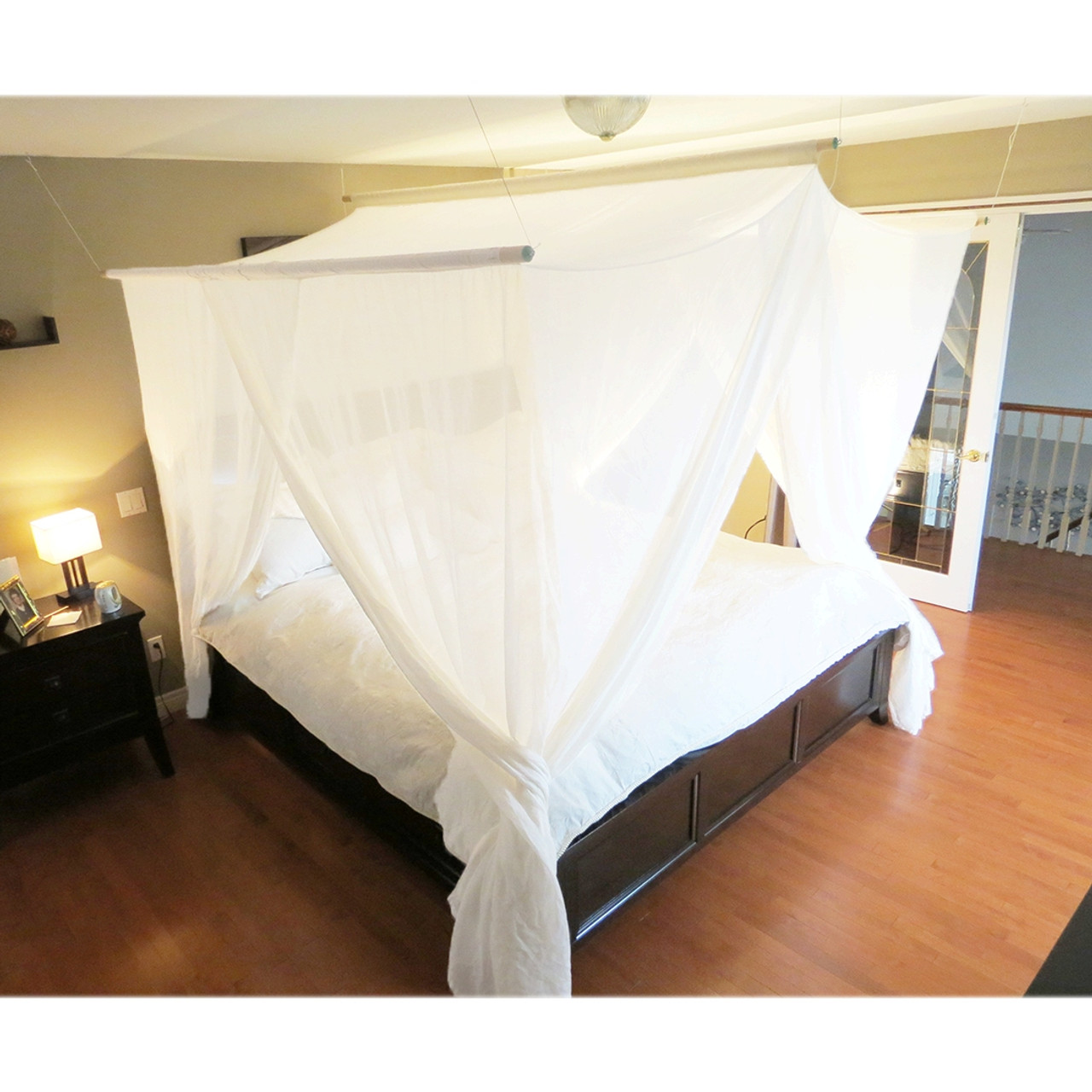
Shield Key Rooms if Needed
If the dish or router is unavoidably near a bedroom, shield that room — see our bedroom guide — and consider whole-home protection.
📡 Connected, But Protected
Meters & Shielding for Satellite Internet
Measure your dish and router, then reduce what reaches your living space.
Shop at emf-protection.co.uk →Affiliate disclosure: We earn a small commission on purchases via this link — at no extra cost to you.
Frequently Asked Questions
Does Starlink emit EMF radiation?
Yes — the dish is a two-way RF transceiver with a phased-array antenna, strongest in front of the dish face. It also connects to a Wi-Fi router indoors that adds its own emissions.
Is satellite 5G different from ground 5G?
It beams from low-orbit satellites rather than masts, but your real exposure still comes mainly from the local equipment you live beside — the dish and router — not the distant satellites.
Where should I place a Starlink dish?
Outside, on a roof or mast, beam pointed away from people, as far from living and sleeping areas as possible. Never inside an occupied room.
How can I reduce EMF from satellite internet?
Distance the dish, hardwire indoors and disable the router's Wi-Fi (or use a router guard), and measure with an RF meter. The indoor router usually matters most.